For owners suspended by Google
Google Business Profile suspended? What to check and avoid
If your Google Business Profile has been suspended, my first port of call is to understand what happened before the suspension, because that can change how you fix it. Then I fix the cause, and only then appeal.
I show you what to check, what not to do, and when to hand the appeal over.
A suspended Google Business Profile is a listing Google has switched off because it believes something on the profile or its website breaks Google's guidelines. Google's appeal tool shows the reason and the policy behind it. The fix is to find the real cause and change only that. If you want help, GBP Rescue does it for you.
How GBP Rescue works: the cause fixed first, then the appeal
The steps of GBP Rescue for a suspended Google Business Profile: what you send, how the cause is found and fixed, one evidenced appeal, and what you have in writing whichever way Google decides.
Has Google suspended your Business Profile, and cut off the calls it brought in?
Google suspends Business Profiles it believes break its guidelines, and the reason it gives can be short. That reason may not tell you what was flagged. Meanwhile, the listing that brought in your calls has stopped working.
You are left with a profile you cannot use and a decision that sits with Google, not with you. Google's appeal tool shows the reason and the policy behind it, which is where the work starts.
The natural reaction is to change everything, open a new profile, or fire off an appeal. Google's help says not to create a new Business Profile for the same business, and appeals can only be submitted once. Fix the cause first, one change at a time, then appeal.
Work through the cause before you appeal
Five steps, in order. You do the first four yourself if you can, and each one feeds the next, so the appeal only goes in once the cause is fixed. Step five is where you hand it over.
What reason does Google give?
Open Google's appeal tool and read the reason it states and the policy it names. Write that reason down before you change anything.
What is the likely cause?
Check the profile against Google's guidelines on name, address, duplicates and categories, starting with the stated reason.
Which change comes first?
Fix only what breaks the guidelines, one change at a time. Note each change as you make it, so you can see what was altered.
Is the evidence ready?
Gather evidence that matches the profile exactly, then file one appeal. Do not submit more than one appeal for the same issue before Google decides.
Is it stuck?
Stuck, or the phone has gone quiet? Hand it to GBP Rescue, and I take over the cause and the appeal from there.
One cause, one appeal
The steps combine into a single fix and a single appeal, with a record of every change you made.

What you get
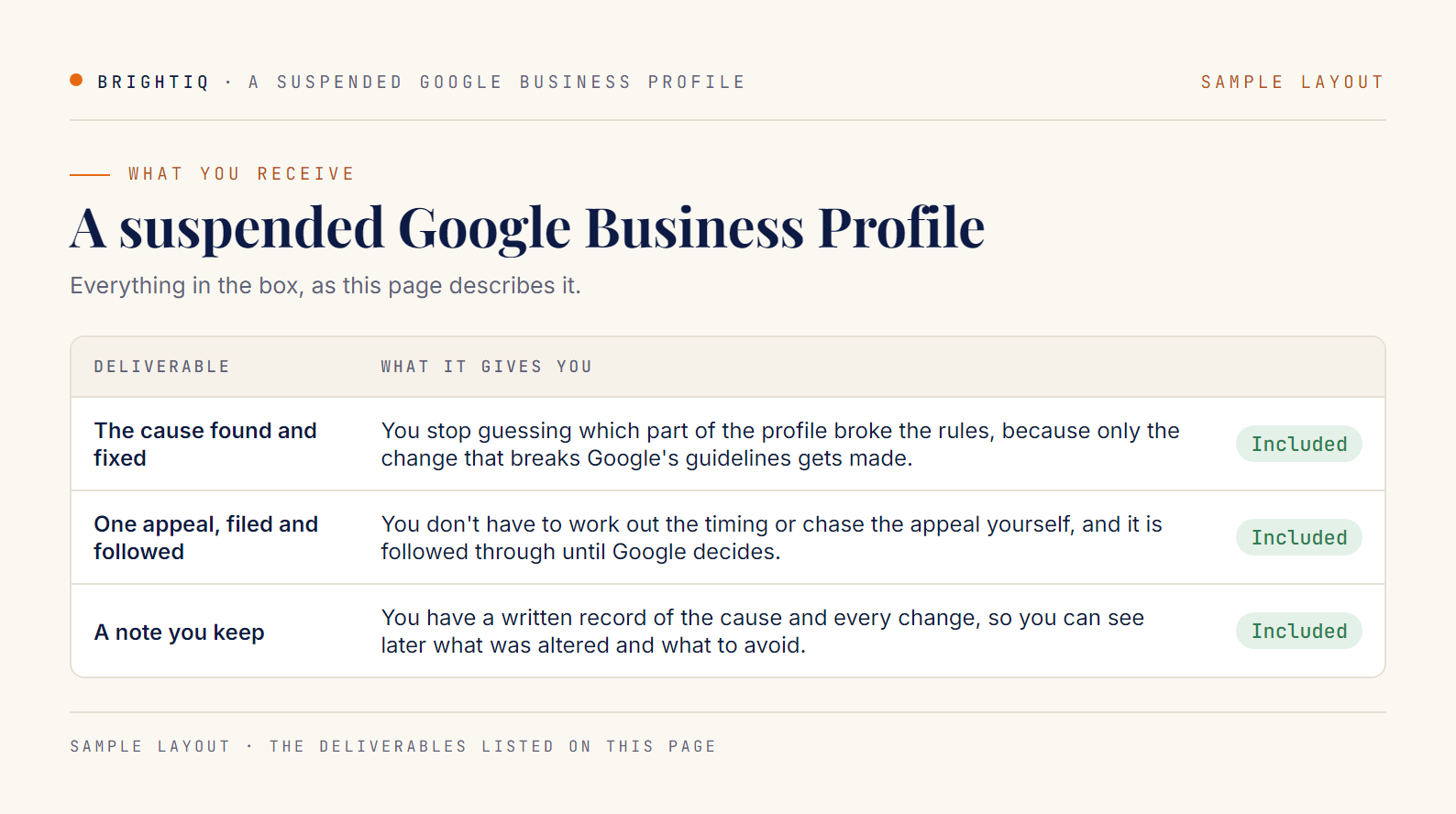
If you hand the work to GBP Rescue, you get three things: the cause found and fixed, one appeal filed and followed, and a note you keep.
The cause found and fixed
You stop guessing which part of the profile broke the rules, because only what breaks Google's guidelines gets changed.
One appeal, filed and followed
You don't have to work out the timing or chase the appeal yourself, and it is followed through until Google decides.
A note you keep
You have a written record of the cause and every change, so you can see later what was altered and what to avoid.
A record you keep, not a list to decode
If you hand it to GBP Rescue, you get a short note on the cause, a record of every change and a list of what to avoid. The note reads in one sitting.
Only you can confirm the business is real and eligible at that address. Google decides the appeal, and the note cannot change that.
If you would rather hand it over, GBP Rescue finds why Google suspended your profile, fixes the cause, files the appeal and follows it through until Google decides.
What changes after GBP Rescue?
Once you give me access, I file the appeal after the cause is fixed.
I read the reason Google gives, check the profile against it and change only what breaks the guidelines.
The one appeal goes in, with evidence that matches the profile exactly.
I follow the appeal through and tell you what Google sends back, so you are not chasing it alone.
Google's help says appeal reviews and decisions can take up to 5 business days (support.google.com/business/answer/13597551), and I keep following the appeal until a decision lands.
How is this different from appealing straight away?
| Appealing straight away | GBP Rescue | |
|---|---|---|
| First step | Press appeal | Read the reason in Google's appeal tool |
| The cause | Left in place | Found and fixed before appealing |
| Changes | Several at once | One at a time, each noted |
| Evidence | Added as an afterthought | Ready first, matching the profile exactly |
| A new profile | Tempting | Never: Google says not to |
Appealing straight away feels like doing something. Google asks for one appeal per issue, so the fix comes first.
Three ways to work together
GBP Rescue
The cause found and fixed and the appeal filed for you.
GBP Rescue, emergency
The same job at the front of my queue, for when the phone has already gone quiet.
GBP Verification
If Google is asking you to verify or re-verify rather than suspending you, that is a different, smaller job.
Why trust me with this?
I'm Sebastian Beaton, and I have worked in SEO for 17 years, more than 10 of them in local SEO. I don't take on web design, paid ads or social media. Rather than appealing straight away, I read the reason in Google's appeal tool, find the cause, and fix only what breaks the guidelines, one change at a time. The evidence is ready to match the profile exactly before one appeal goes in. Whether Google reinstates a profile is Google's decision, not mine.
Who built this
Every system, every pipeline, every deliverable, built and maintained by one person.

Credentials
Experience
An appeal on its own doesn't fix anything. If whatever triggered the suspension is still there, Google has no reason to reinstate you, and it can happen again. Fix the cause first, then appeal.
Why this matters
- ✓ Every rule taken from Google's own help pages, not guesswork.
- ✓ The checks in the order that matters: the reason, the cause, the fix, the evidence, then one appeal.
- ✓ What not to do, said plainly: no new profile, no repeat appeals, no changing everything at once.
Frequently asked questions
Is this right for my business?
It suits UK local business owners whose Business Profile has just been suspended and who want to understand it before paying anyone. Start by reading the reason in Google's appeal tool. If the cause is clear, you may be able to handle it yourself, and I will say so.
Can you guarantee my profile will be reinstated?
No, and I would not trust anyone who does. Google decides whether a profile comes back, and no one controls that decision. What I can do is find the cause and file an appeal that gives Google every reason to say yes.
How do you make sure I only fix what matters?
I change one thing at a time and record each change as I make it. Changing several things together hides what helped and can make the profile look worse to Google. I start from the reason Google states, so the first change is the one that answers it.
What happens if Google says Not Approved?
Google shows an appeal status, and Not Approved is one of them. I would read the decision first and check it against the profile before deciding on the next step.
Do I need to hide my home address on my profile?
It depends on how you work. Google's guidelines say a service-area business should hide its business address from customers, and PO boxes and virtual offices are not eligible. If you visit customers rather than trade from one site, I check this first.
What do I need ready before you start?
Access to the profile and the Google account that owns it, plus the exact reason shown in Google's appeal tool. Write down anything you have already changed, because that record helps me see which change mattered. Evidence that the business is real at its address helps too, and you will need to gather it yourself.
Related services
Know exactly what caused it before you appeal
Send me the reason Google gave and the profile details, and I will tell you whether you can fix it yourself or should hand it over. You will know the cause before anything changes.
- Book a callSend your details and I reply within one working day.
- Scope agreedI confirm what you get and the delivery date before any work starts.
- Built for youA suspended Google Business Profile is built for your business, on the date agreed with you.