SEO QA Automation
Catch Problems Before Your Clients Do
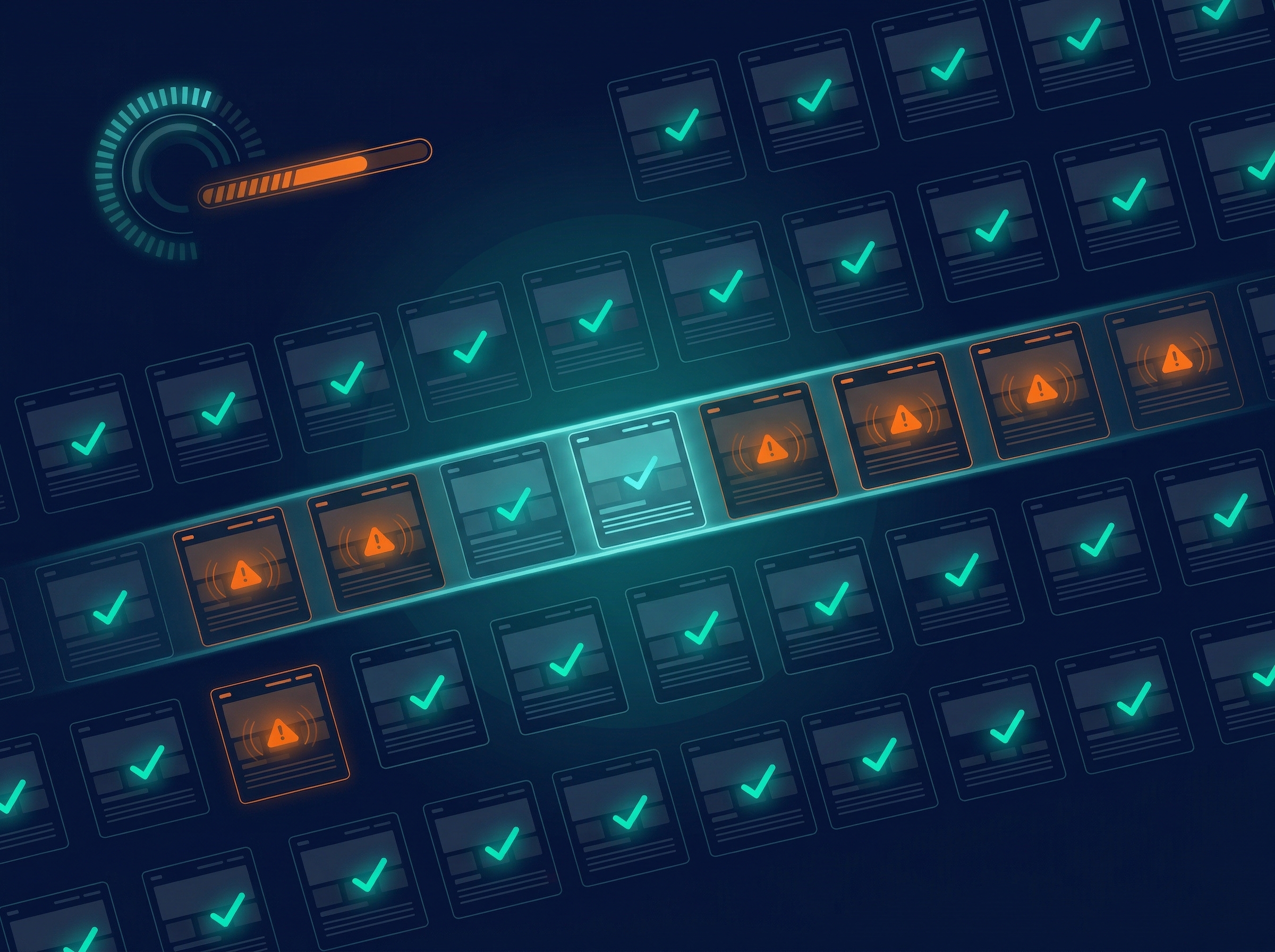
Manual QA is reactive. Something breaks, a client notices, your team scrambles. This automation is proactive, continuous monitoring catches broken links, missing meta tags, indexing issues, and Core Web Vitals regressions the moment they happen.
Issues are flagged when they appear, not weeks later when a client emails about a ranking drop. Your team gets a clean alert with the page and the problem, ready to act on.
What's Included
Every setup covers the full QA stack, continuous checks across each site, with alerts only when they matter.
Technical Checks
- ✓ Broken link detection, 404s, redirect chains, broken anchors
- ✓ Meta tag validation, missing, duplicate, or truncated
- ✓ Indexing issues, noindex, canonical conflicts, robots blocks
- ✓ Core Web Vitals regression tracking with alerts
Monitoring and Alerts
- ✓ Scheduled crawls, daily, weekly, or a custom cadence
- ✓ Content-change detection for removed and new pages
- ✓ Configurable thresholds, critical vs warning per site
- ✓ Email or Slack alerts, plus a multi-site dashboard
What You Receive
A live view of every client site's health, plus the alerts and reports to act on it.
Multi-Site Health View
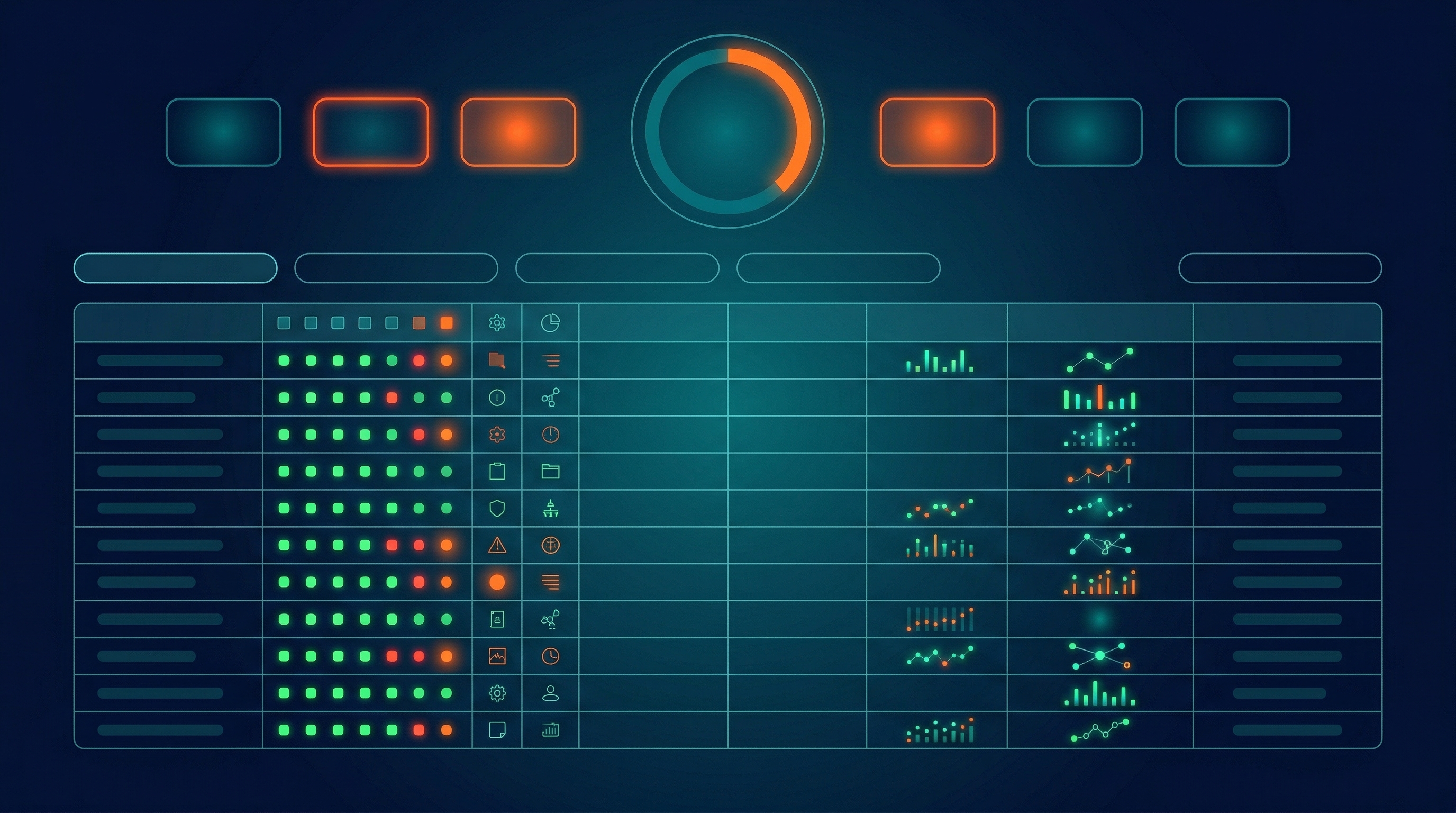
Every client site in one screen with a traffic-light status for instant triage. Web dashboard.
Issue Notifications
Email or Slack alerts the moment an issue appears, naming the page and the problem. Email / Slack.
Baseline Audit
An initial full crawl per site, documenting and prioritising existing issues before monitoring begins. PDF.
Monthly QA Report
A branded summary of site health, resolved issues, and new items needing attention. PDF.
Issue Log Export
A full log of issues found, flagged, and resolved per site, for your own records. XLSX.
How It Works
Four steps from onboarding a site to continuous, hands-off monitoring.
Onboard the Sites
Your client sites are added to the monitoring system, with check frequencies and alert thresholds configured.
Run a Baseline
An initial full crawl establishes a baseline, current issues are documented and prioritised.
Monitor Continuously
Checks run on schedule, and new issues trigger alerts to your team by email or Slack.
Report Monthly
A branded monthly report summarises site health, resolved issues, and items needing attention.
Who built this
Every system, every pipeline, every deliverable, built and maintained by one person.

Credentials
Experience
I built every system behind BrightIQ, from the audit engine to the reporting pipelines. One person, one point of accountability.
Frequently Asked Questions
How is this different from a crawler like Screaming Frog or Semrush?
Those tools require someone to run them, interpret the results, and decide what matters. This system runs on a schedule automatically, filters out noise, and alerts your team only when something genuinely needs action, so QA happens whether or not anyone remembers to do it.
Can I set custom alert thresholds?
Yes. Every check is configurable. You decide what counts as a critical issue versus a low-priority warning for each client site, so a small agency site and a large ecommerce build can be held to different standards.
How many client sites can I monitor?
There's no fixed limit. The system scales to any number of sites, and each one is configured with its own check frequency and alert rules, so adding a new client is a setup step rather than a new tool.
Does this catch content changes too?
Yes. The system detects significant content changes, removed pages, and newly published pages that are missing proper SEO elements, so a silent change by a dev team or CMS doesn't go unnoticed until rankings move.
Can I white-label the dashboard and reports?
Yes. The dashboard and every report are available with your agency's branding, so clients see your name on the monitoring rather than anyone else's.
What's involved in setting it up?
Setup means adding your client sites, configuring check frequencies, and setting alert thresholds, then running a baseline audit. Once that's done, monitoring is continuous and you only hear from it when something needs attention.
Catch Issues Before Clients Do
Tell me about your client sites and I'll set up continuous QA across them, broken links, metadata, indexing, and Core Web Vitals monitored, with alerts when it counts.
Not sure where to start? Get in touch, no obligation.